
Getting Started with Figma Components
Learn how to create reusable components that speed up your design process. We’ll walk through the basics and show you why components save hours of work.
Read GuideLearn professional design, prototyping, and UI systems. Build skills that matter in Malaysia’s growing tech industry.
Figma isn’t just another design tool — it’s become the go-to platform for UX/UI designers, product teams, and creative agencies worldwide. Whether you’re starting your design career or looking to upgrade your skills, mastering Figma opens doors to real opportunities in Malaysia’s tech scene and beyond.
We’ve put together practical, hands-on learning that focuses on what actually matters: components, prototyping, design systems, and collaboration. You’ll learn the same workflows that professional teams use every day.
Structured learning covering everything from basics to advanced design systems
Create reusable components that save hours of work. Learn how to organize, manage, and update components across your entire project.
Build realistic prototypes with animations and interactions. Test user flows before handing off to developers.
Design systems keep teams aligned. We’ll walk through creating, maintaining, and scaling design systems that actually work.
Figma is built for teamwork. Learn how to work with developers, share feedback, and keep projects organized with multiple team members.
Master constraints, auto layout, and responsive design. Build layouts that actually adapt to different screen sizes.
Learn how to prepare designs for development. Specs, documentation, and tools that developers actually want to use.
We begin with the basics — interface navigation, tools, and essential workflows. You’ll get comfortable with Figma’s core features and build confidence from day one.
Learn by doing. Each module includes hands-on projects where you’ll create actual design components, prototypes, and systems. No theoretical fluff.
Once you’ve got the basics down, we dive into advanced topics like design systems, complex prototyping, and team collaboration workflows.
Explore our most popular learning resources

Learn how to create reusable components that speed up your design process. We’ll walk through the basics and show you why components save hours of work.
Read Guide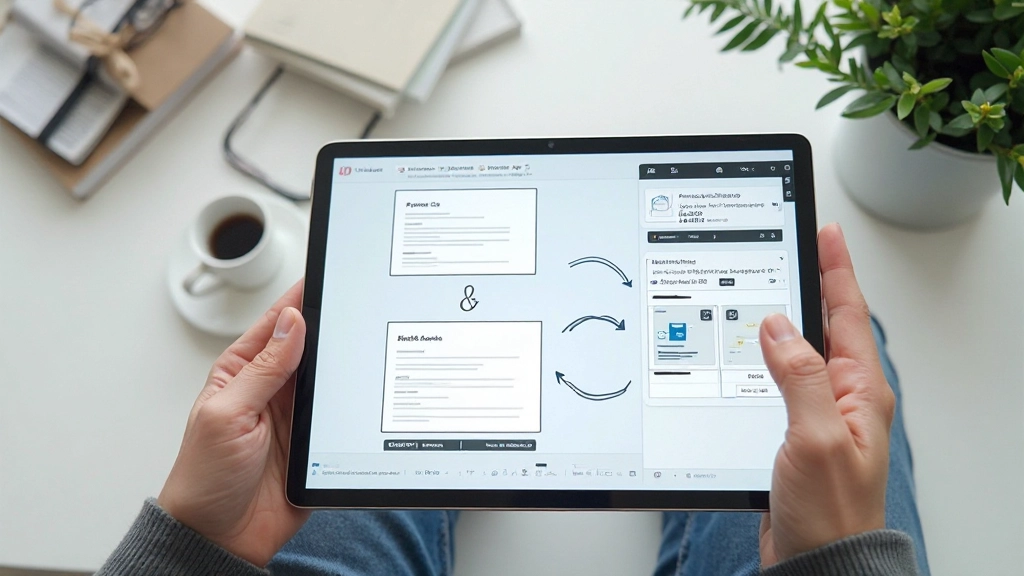
Master Figma’s prototyping tools to create realistic interactive flows. Discover how to connect screens, add animations, and test user interactions before development.
Read Guide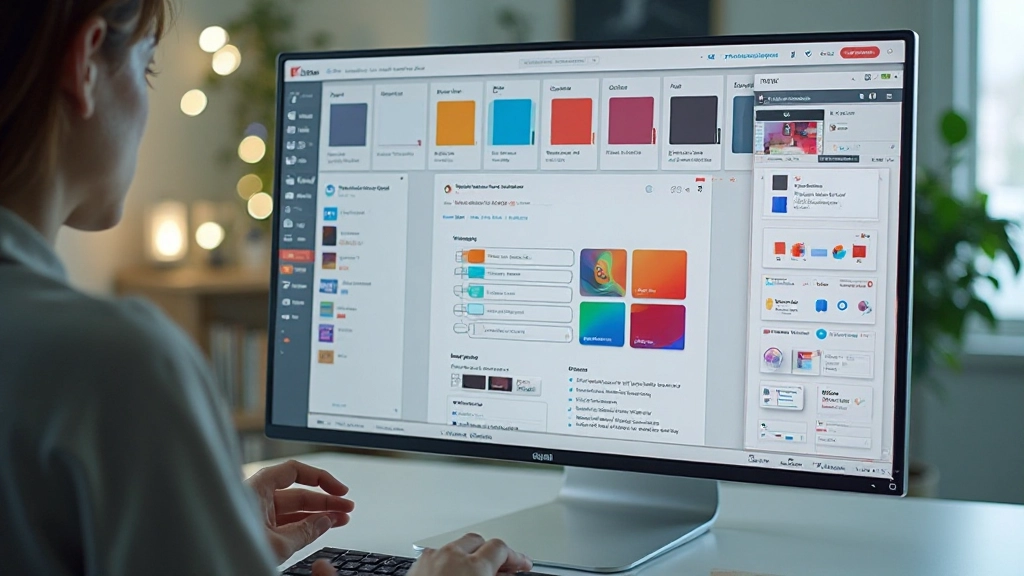
A step-by-step guide to creating a scalable design system. Learn how to organize components, manage tokens, and keep your team aligned on design standards.
Read Guide“Wasn’t confident with Figma before starting, but the step-by-step approach made everything click. I’m now designing actual projects at work and my team’s impressed with how organized my files are.”
“The design systems module was exactly what I needed. I’ve been building our company’s design system for three months now and it’s actually working. People actually use it instead of creating random styles.”
“I’ve used other design tools but Figma’s collaboration features are next level. The prototyping section helped me communicate designs way better with our developers.”
Start learning design skills that actually matter. Explore our courses, get answers to your questions, and join a community of designers leveling up their craft.
Not sure where to start? Our team’s here to help. We’ll answer questions about course content, learning style, or anything else you need to know.
Study at your own speed. Access all materials anytime, work through projects at whatever pace suits you. No strict deadlines or time pressure.